Visual lab storage

Your freezer,
organized.

Find any frozen sample by name, owner, category, or location.

Be the first main manager in your lab.
Beta preview Free to use Cloud saved Feedback welcome
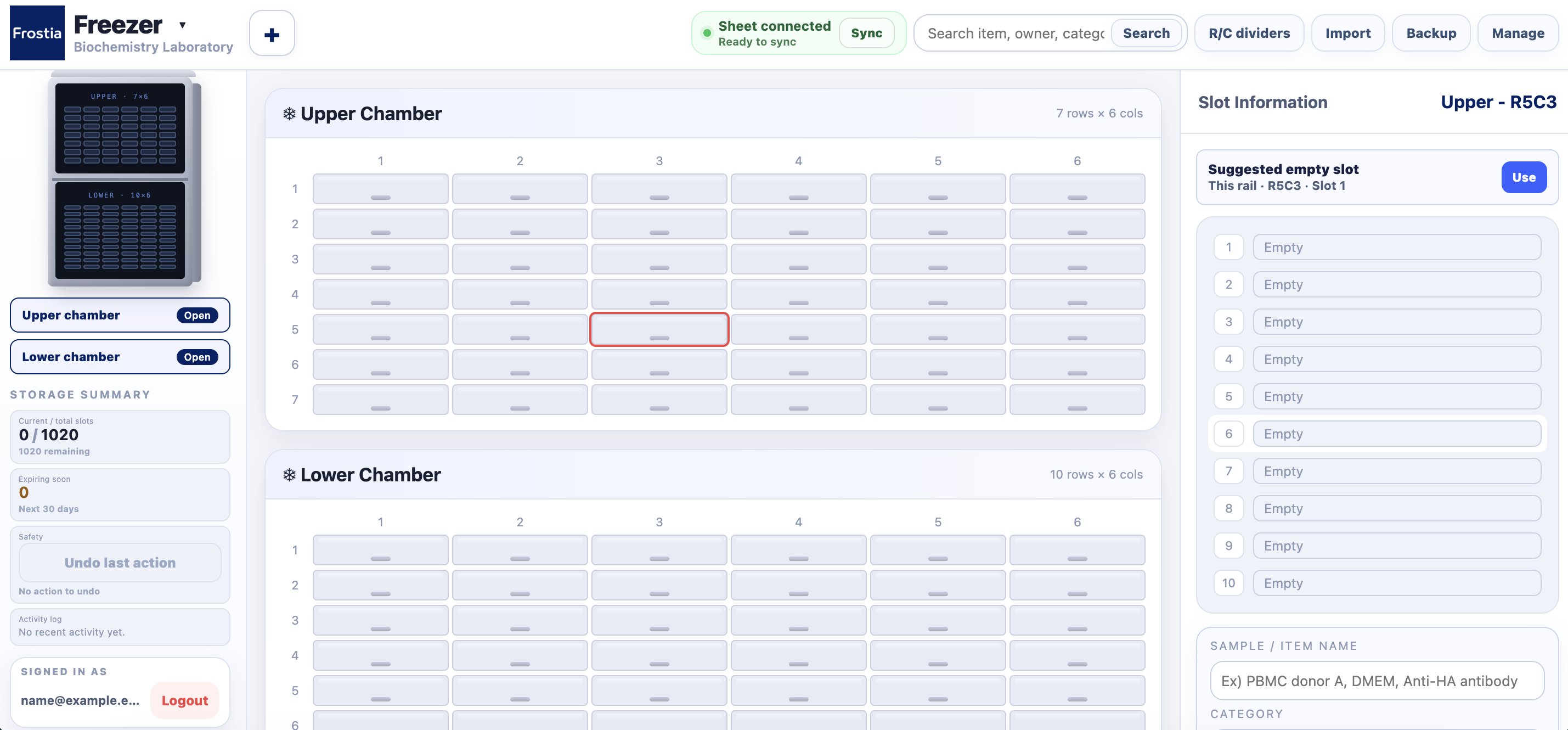
Freezer 1 Biochemistry Laboratory
Cloud saved Search Manage
Upper Chamber 7 rows x 6 cols
"Where is my medium stored?"
"Finding locations in a spreadsheet is too confusing!"
"Which freezer has room left?"
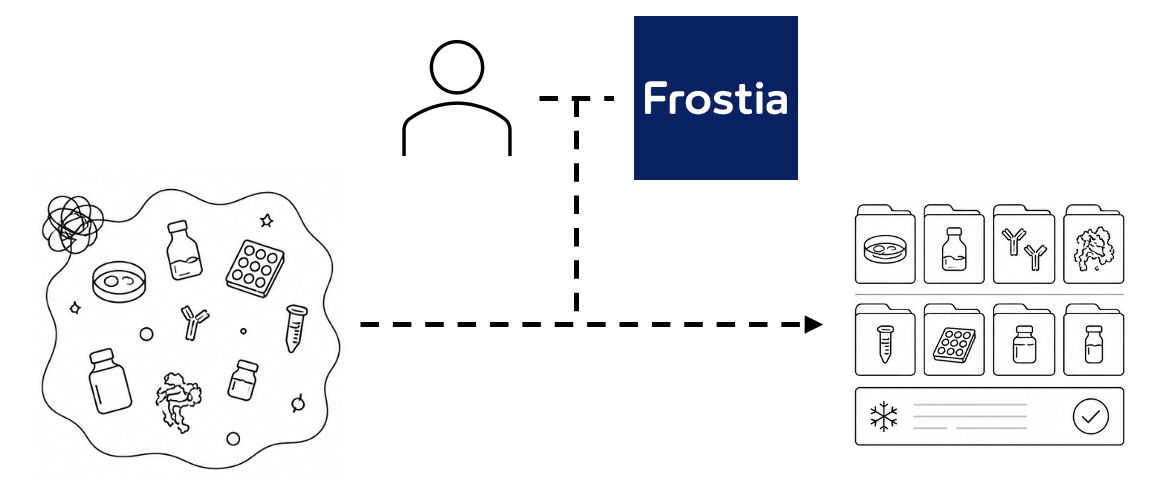
Frostia can help.
01 Set up freezer
02 Add samples
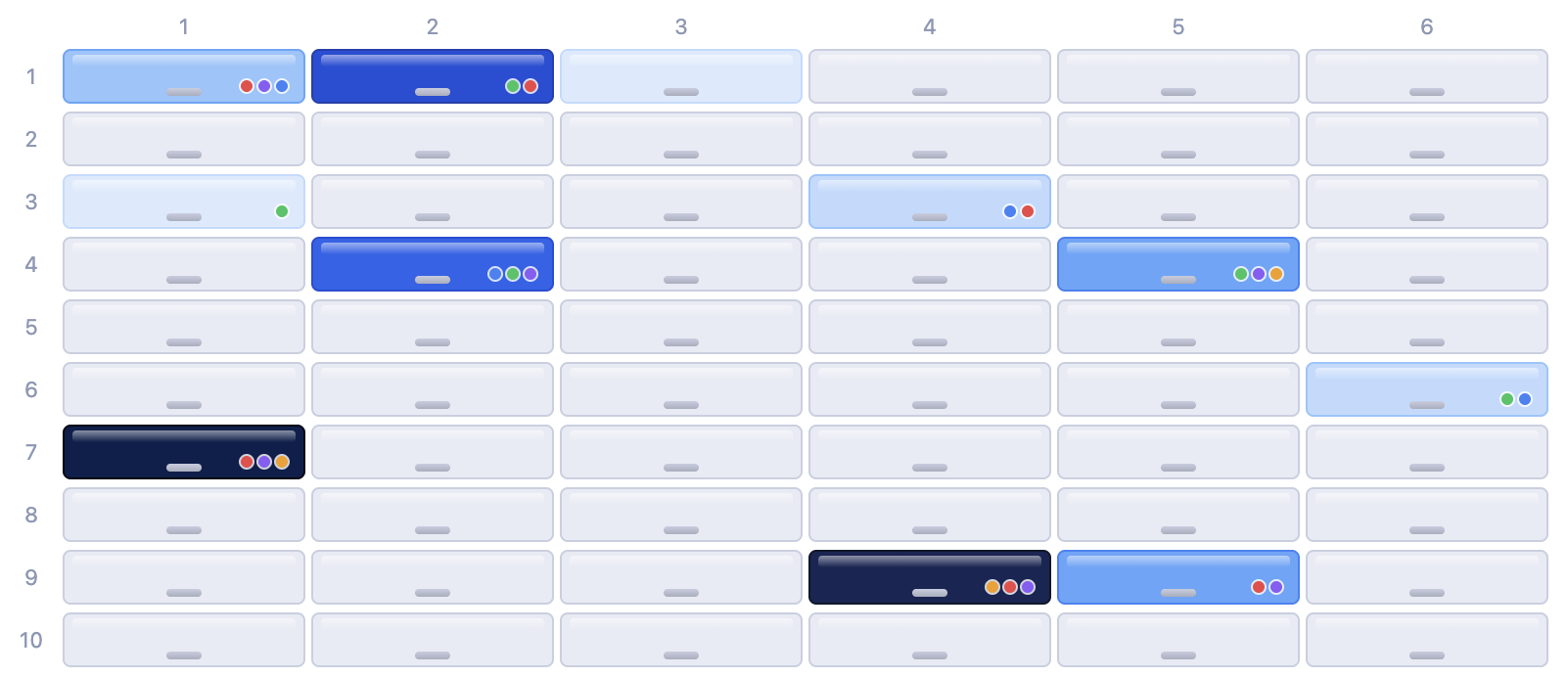
03 Find visually

Your sample is right here.

Frostia freezer grid with labeled sample locations
Our mission

Find and manage samples faster.

Frostia freezer workspace showing chamber slots and item details
Create a Frostia workspace for your lab
Step 01

Create your lab workspace.

Set up a private Frostia space for your lab and start organizing freezer samples in one place.
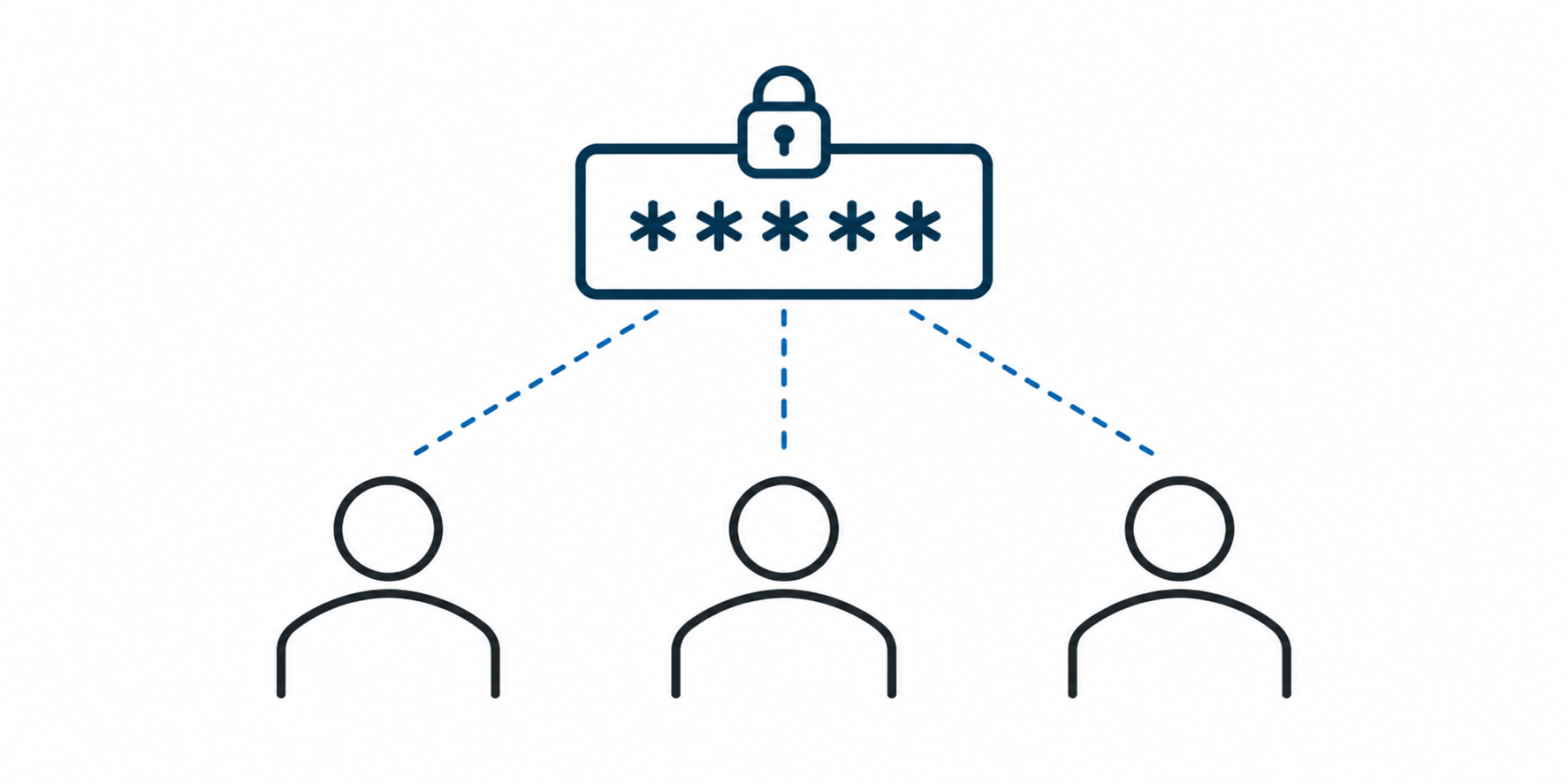
Share a Frostia lab code with team members
Step 02

Share access with a lab code.

Invite teammates to request access to your lab workspace.
Manage Frostia backups and workspace settings
Step 03

Start using it right away.

Your freezer workspace is saved to the cloud automatically. CSV and JSON backups stay available anytime.

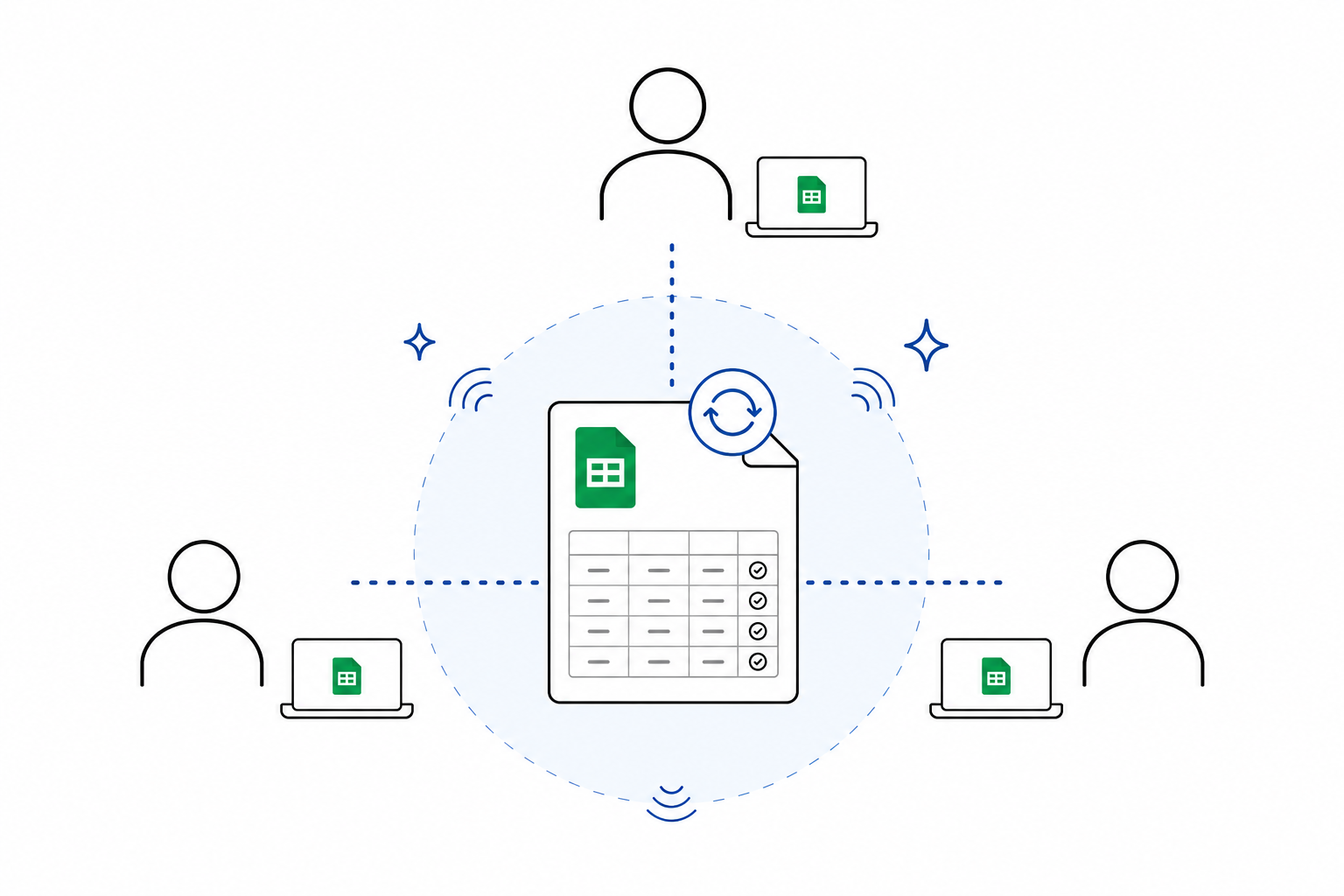
Legacy Google Sheets backup can stay off unless your lab already uses it.

Before wider launch

Built for careful beta use.

Frostia is ready for small-lab testing first. Start with a few teammates, confirm the workflow, and send feedback when anything feels unclear.

Manager-approved access Lab members request access with a lab code, and managers approve or deny requests before anyone enters the workspace.
Clear storage model Freezer records are saved directly to Firestore, with each freezer packed into one document for efficient reads and writes.
Feedback path ready Testers can report confusing steps, bugs, and feature requests directly through the Feedback page.

Make every freezer easier to use.

Start with a visual map and automatic cloud save. Export backups when your lab needs them.

Start for free Sign in